Open-source forms that sync to Google Sheets
Build forms, link a Google Sheet, and publish. Every response becomes a new row — no export step.
Try free with Google · Self-host from GitHub · MIT · 0 GitHub stars
Just want to fill a form? See the sample form

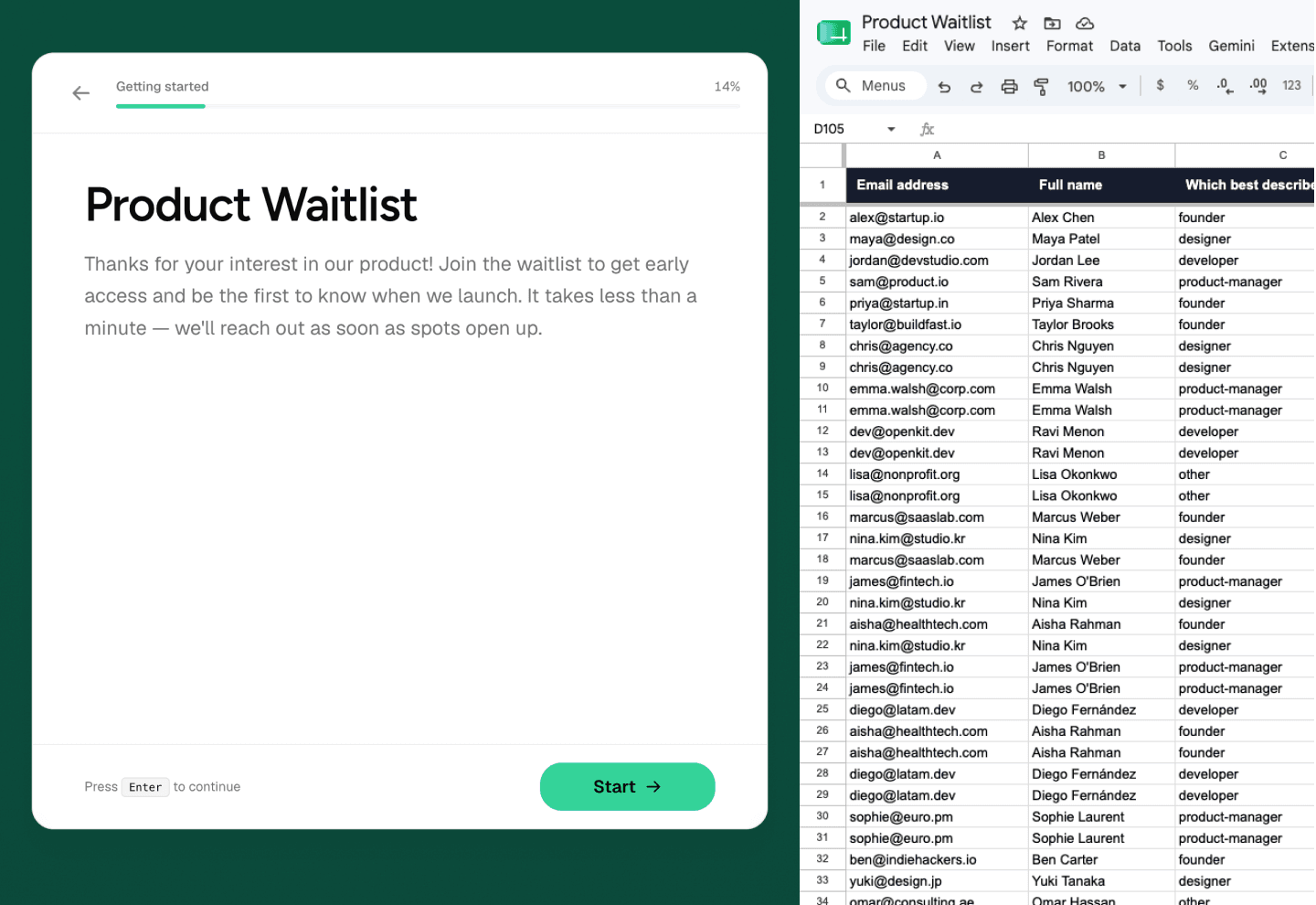
Link a Google Sheet once
New responses append as rows. Your team keeps working in the same spreadsheet.
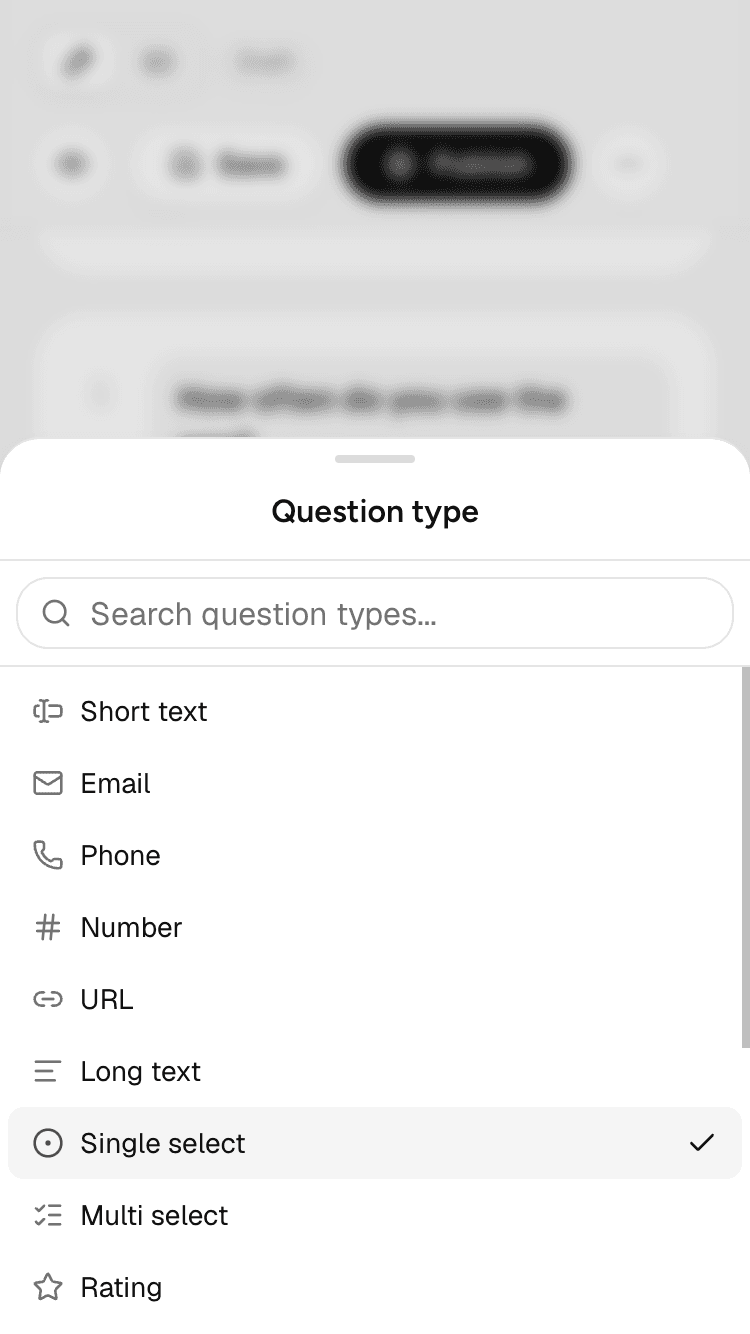
Build forms from your phone
Change questions, themes, and settings from your phone. Same editor, smaller screen.

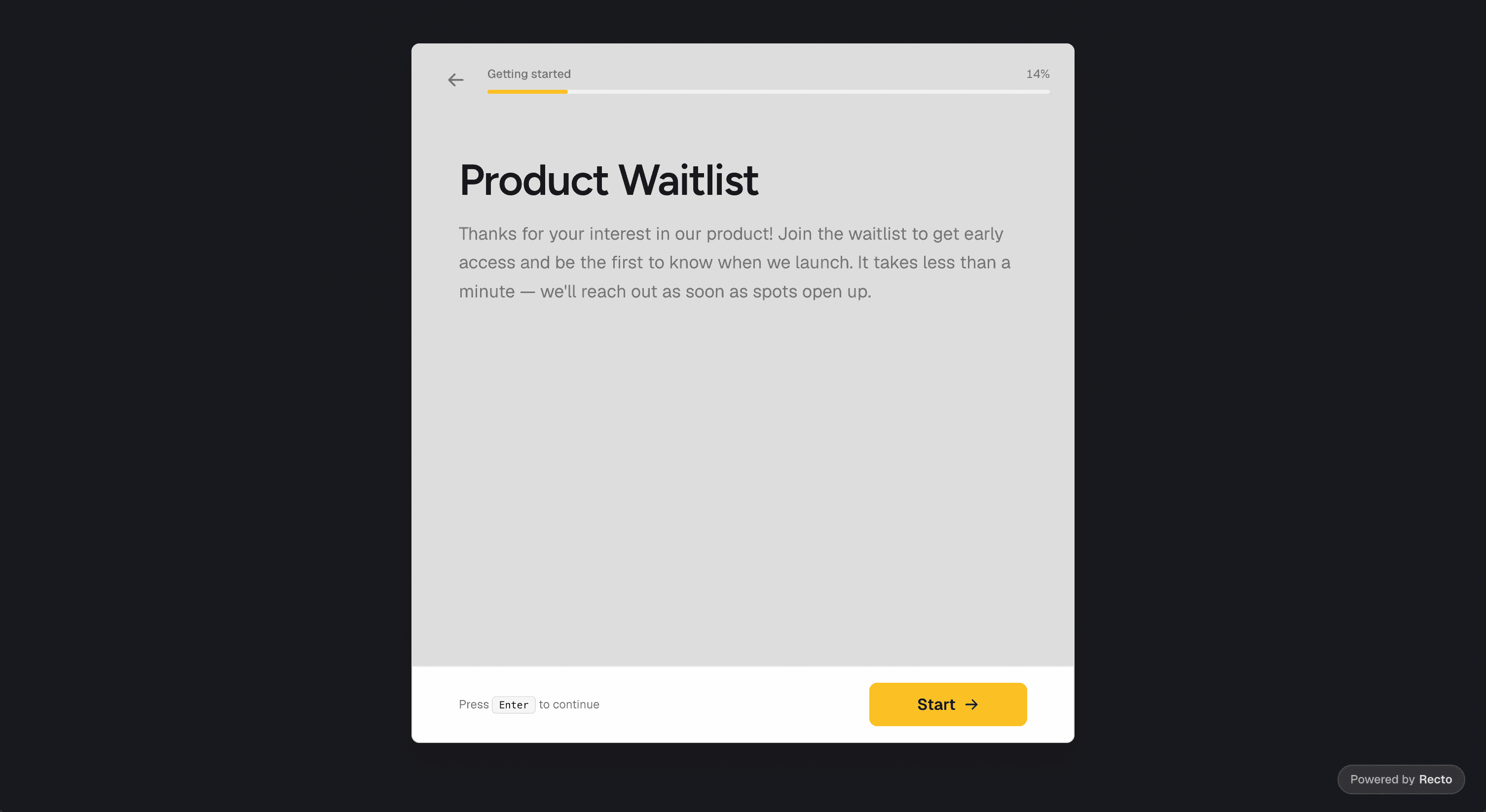
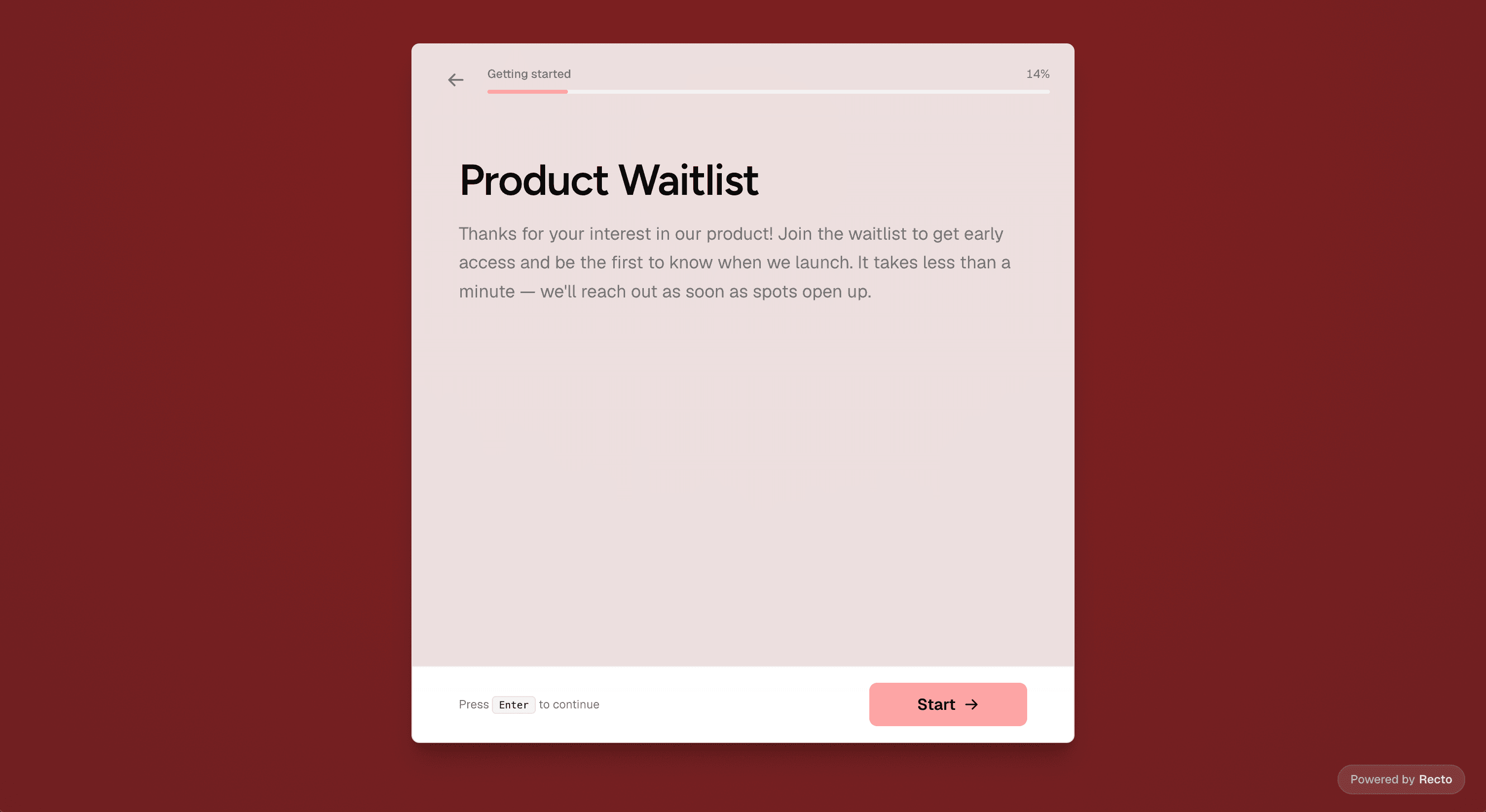
Forms that don't look like Google Forms
Set colors, fonts, and layout in the editor. Publish when it looks right.

Every question type included
NPS, matrix, file upload, signatures, and more. Nothing locked behind a paywall.
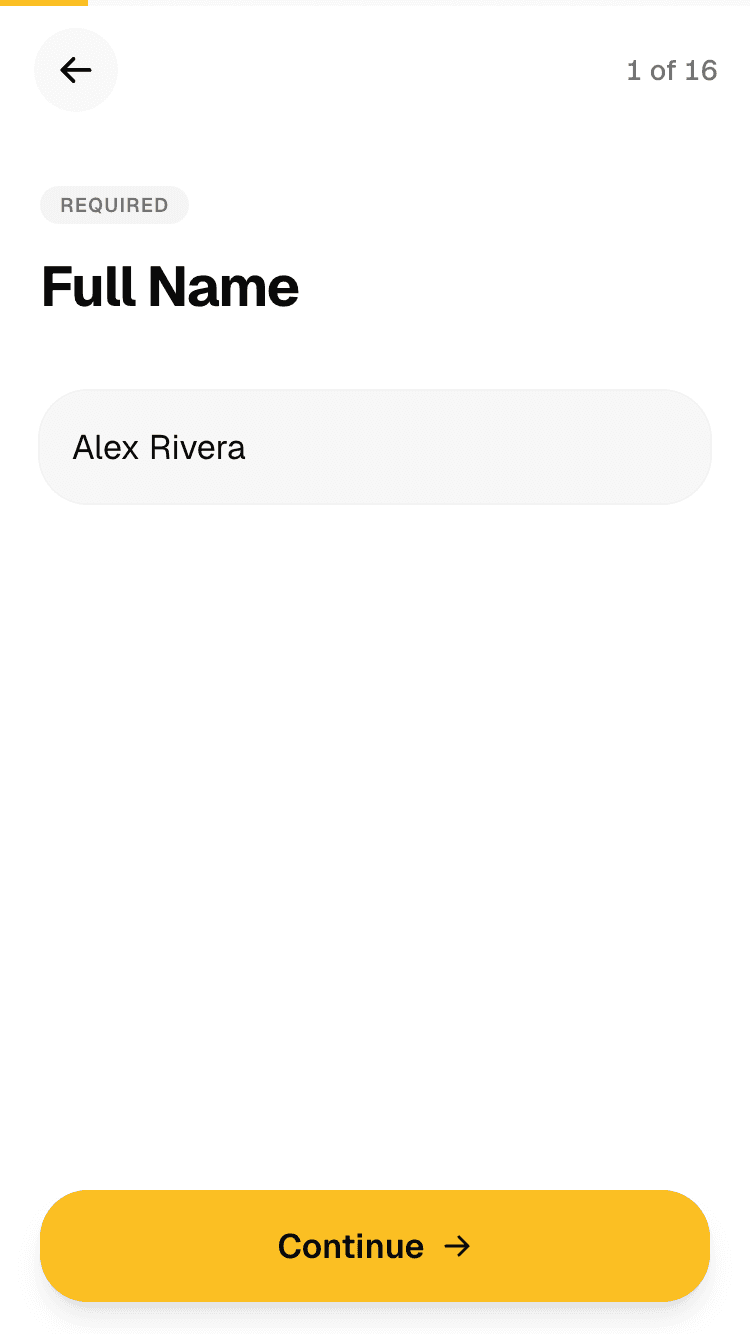
Short text
Use when Names, titles, short answers, IDs, or one-word responses.
Example “Full Name”
Run it on your own server
One docker compose up for local dev. Postgres, storage, and the app included. Google OAuth and Sheets setup for production. See the README.
# Local dev (contributors)
pnpm install && docker compose up -d db minio
cp .env.example .env   # fill AUTH_SECRET, Google creds
pnpm db:migrate && pnpm dev

# Open http://localhost:3000
# Production-ish (full stack)
cp .env.example .env   # required: AUTH_SECRET, GOOGLE_*, S3_*
docker compose up -d --build

# Open http://localhost:3000
Want hosted Recto?
Managed hosting isn't live yet. If you'd rather not run your own server, join the waitlist and we'll email you when cloud signup opens.
FAQ
Build a form in minutes
Sign in with Google, create a form, link a Sheet, and publish. Free on our hosted demo — accounts and data may be cleared without notice.
Only filling out a form? See the sample form